Path-Based Routing
By default a gateway forwards requests straight through to whatever path they came in on. Path routing lets you decouple the path your users hit on the gateway from the path your service actually listens on - so you can point multiple paths at one service, or expose a service that lives deep under its own path prefix, without changing your app's code.
You configure this on the connector between the gateway node and the container node: a Path field, and an optional Rewrite field.
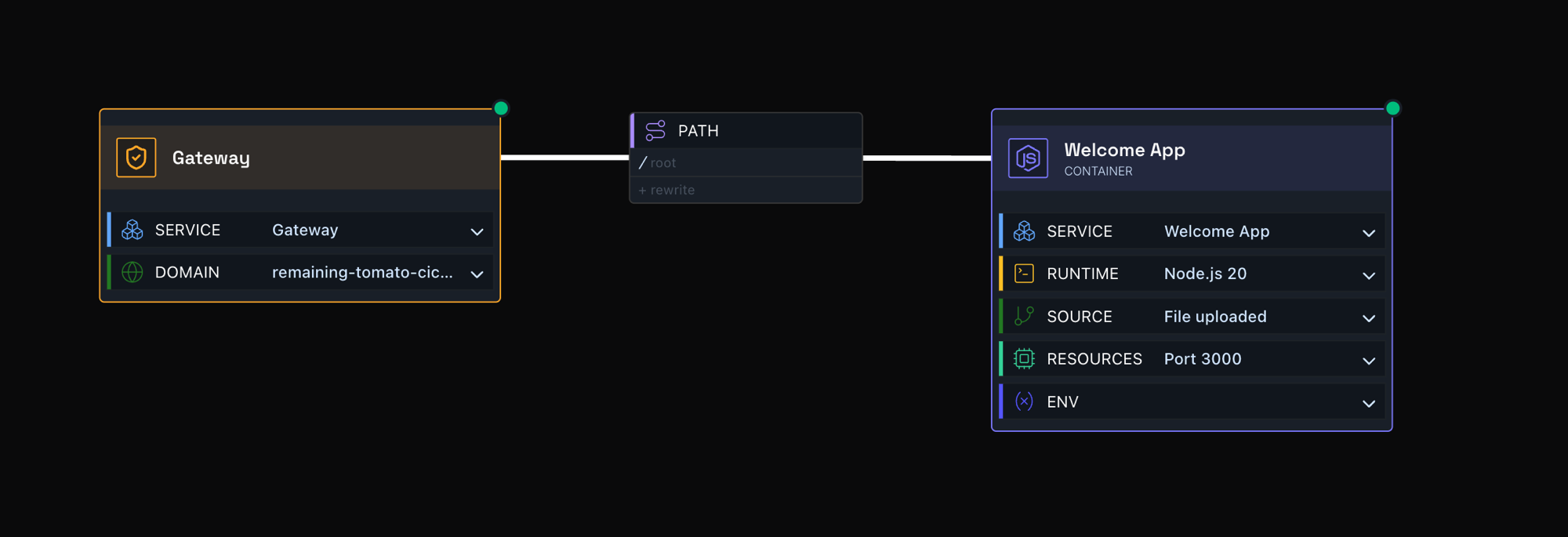
Default: no rewrite
In the simplest case, the service listens on /. Hit the gateway, and the request routes straight through to / on the service - no rewriting involved.
Rewriting to a fixed path
You can also rewrite the incoming path. Leave Path as /, but set Rewrite to /accounts, and every request to /accounts on the gateway is routed to / on the service.
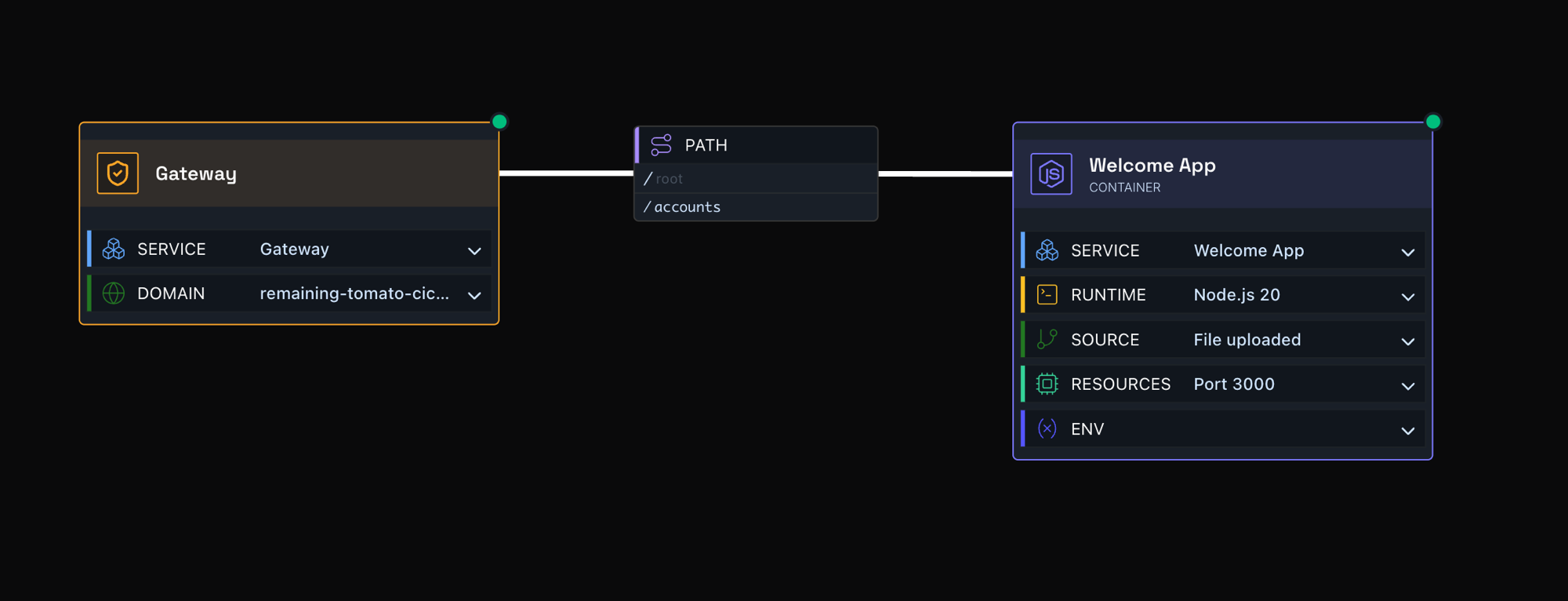
Requests to https://<gateway>/accounts on the gateway are routed to / on the service.
Rewriting into a nested service path
Take this further if your service exposes its own base path - for example /accounts-service/v1/ - and you want all /accounts traffic to land there. Set Path to /accounts-service/v1/ and Rewrite to /accounts.
Now any gateway request under /accounts gets its /accounts prefix swapped for /accounts-service/v1/, with the rest of the URL preserved. So /accounts/balance on the gateway actually routes to /accounts-service/v1/balance on the service.
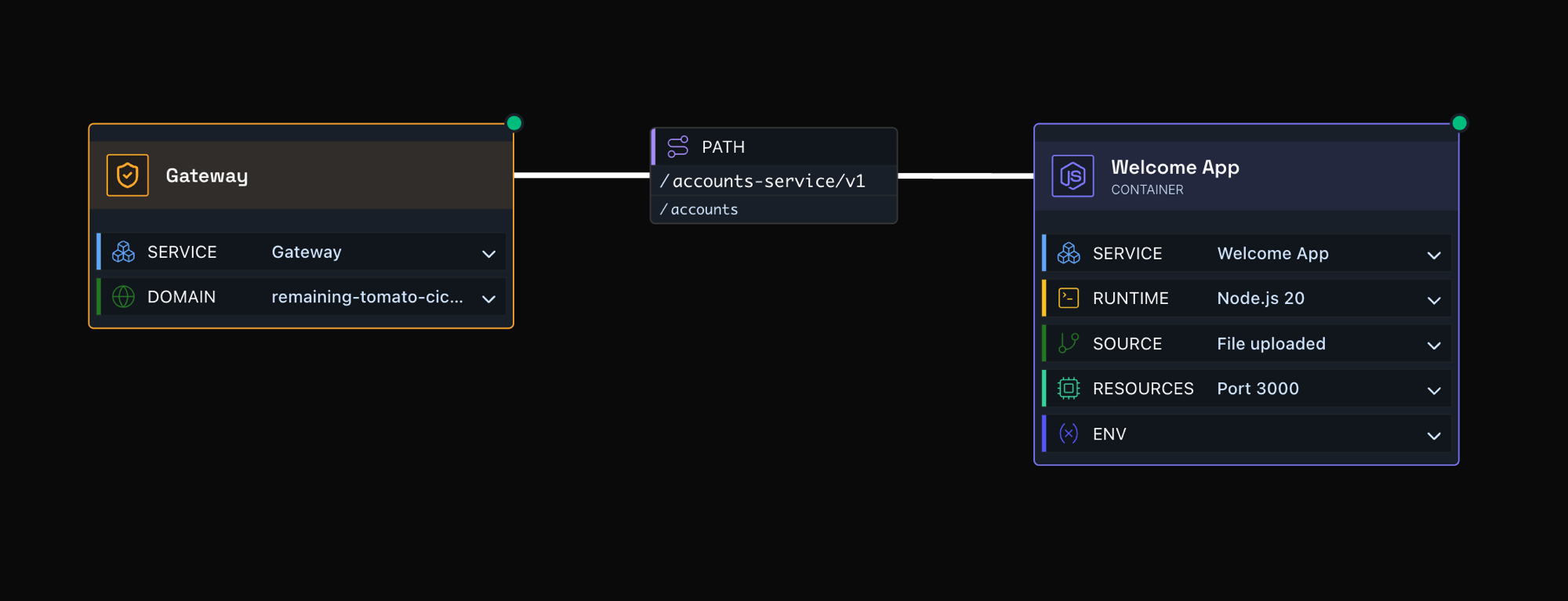
https://<gateway>/accounts/balance routes to /accounts-service/v1/balance on the service.